
O sistema de performance feito para o futebol
Seu elenco. Sua semana. Tudo conectado.
Planeje o microciclo, receba as respostas dos jogadores e acompanhe a carga — no mesmo lugar.
Microciclo + MD
Planejado × realizado
Coleta sem login
Reports PDF
LoadPro App
Pré-treino
JogadorLucas de Paula
PSR8/10
Prontidão hoje90%
O jogador responde.→Você acompanha no painel.
Demonstração do fluxo · dados de exemplo
Demonstração concluída: resposta enviada e indicadores atualizados. Nenhum dado real foi enviado.
Por dentro do LoadPro
Veja a semana, o elenco e o report antes de começar.
Telas reais do LoadPro, com dados demonstrativos: do planejamento ao report.
01 / 04
A semana inteira. Um plano claro.
Planeje treinos, jogos, folgas, MDs e carga-alvo em 7, 14 ou 30 dias.
Do treino ao jogo: veja o planejamento e a resposta dos jogadores, lado a lado.
02 / 04
As respostas chegam. O elenco aparece.
Prontidão, recuperação e participação na coleta em uma visão do dia.
Da visão do grupo aos dados de cada jogador, sem alternar entre planilhas.
03 / 04
O dia do elenco, pronto para compartilhar.
Respostas pré e pós-treino, recuperação, PSE e carga individual.
Trecho do report diário. Informação organizada para a conversa com a comissão.
04 / 04
Planejado e realizado. A semana em perspectiva.
Compare a evolução da carga e da PSE ao longo do microciclo.
Trecho do report semanal. O contexto da semana para apoiar o próximo planejamento.
Coleta do atleta
Dois links simples. Respostas que chegam direto ao treinador.
O atleta abre o link da equipe sem login, escolhe seu nome e responde em poucos segundos pelo celular.
 LoadProPré-treino
JogadorLucas de Paula
PSR8
Sono5
Fadiga4
Dor muscular5
Humor / estresse4
Prontidão hoje90%
Enviar
Quem já usa o LoadPro
Mais controle. Menos tempo preso em planilhas.
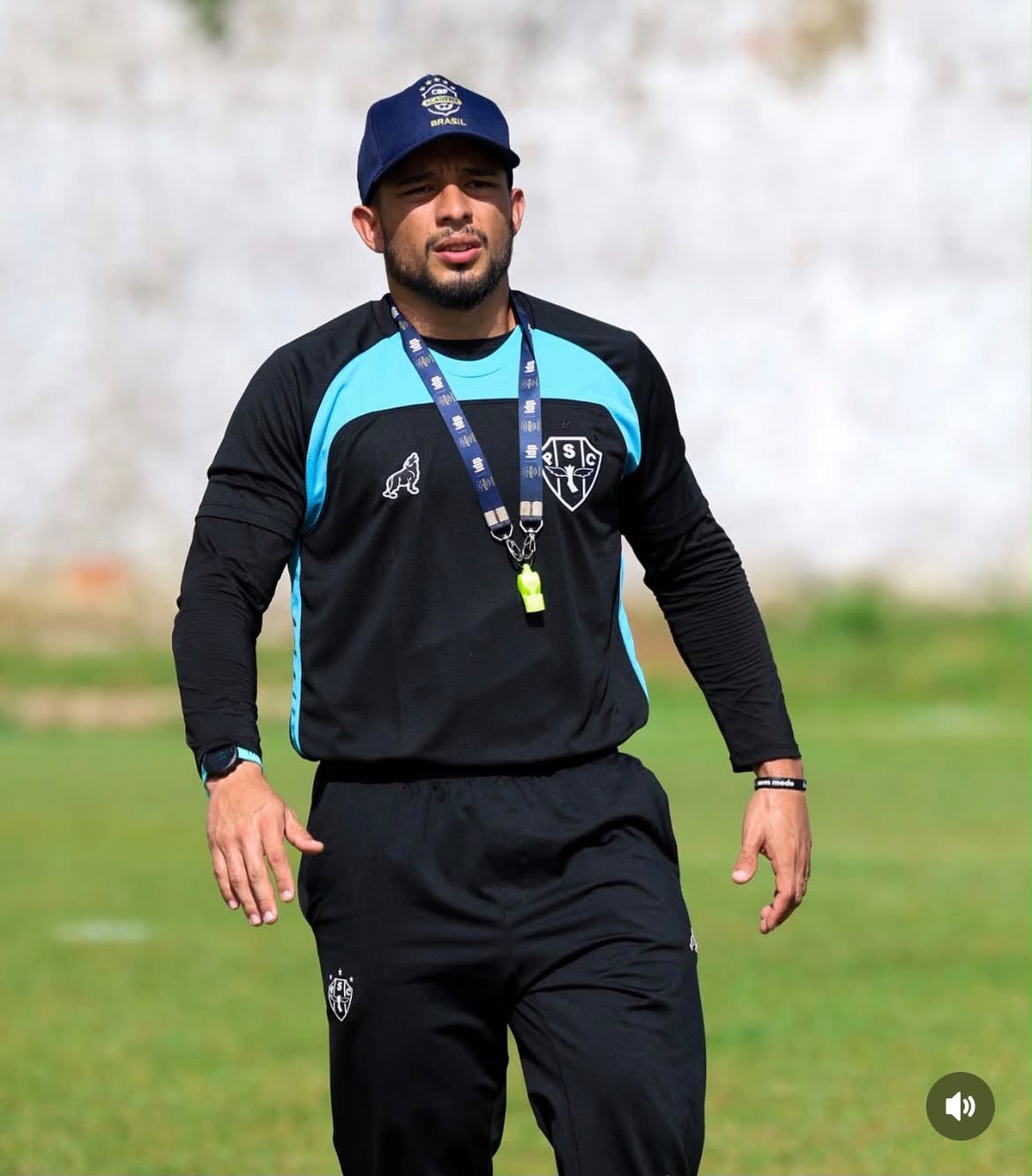

Leonardo SalazarPreparador físico · Categorias de basePaysandu
O LoadPro trouxe mais praticidade para o controle de carga no dia a dia. Consigo acompanhar a carga planejada e realizada dos atletas de forma simples, organizada e objetiva, facilitando muito a tomada de decisão no planejamento.
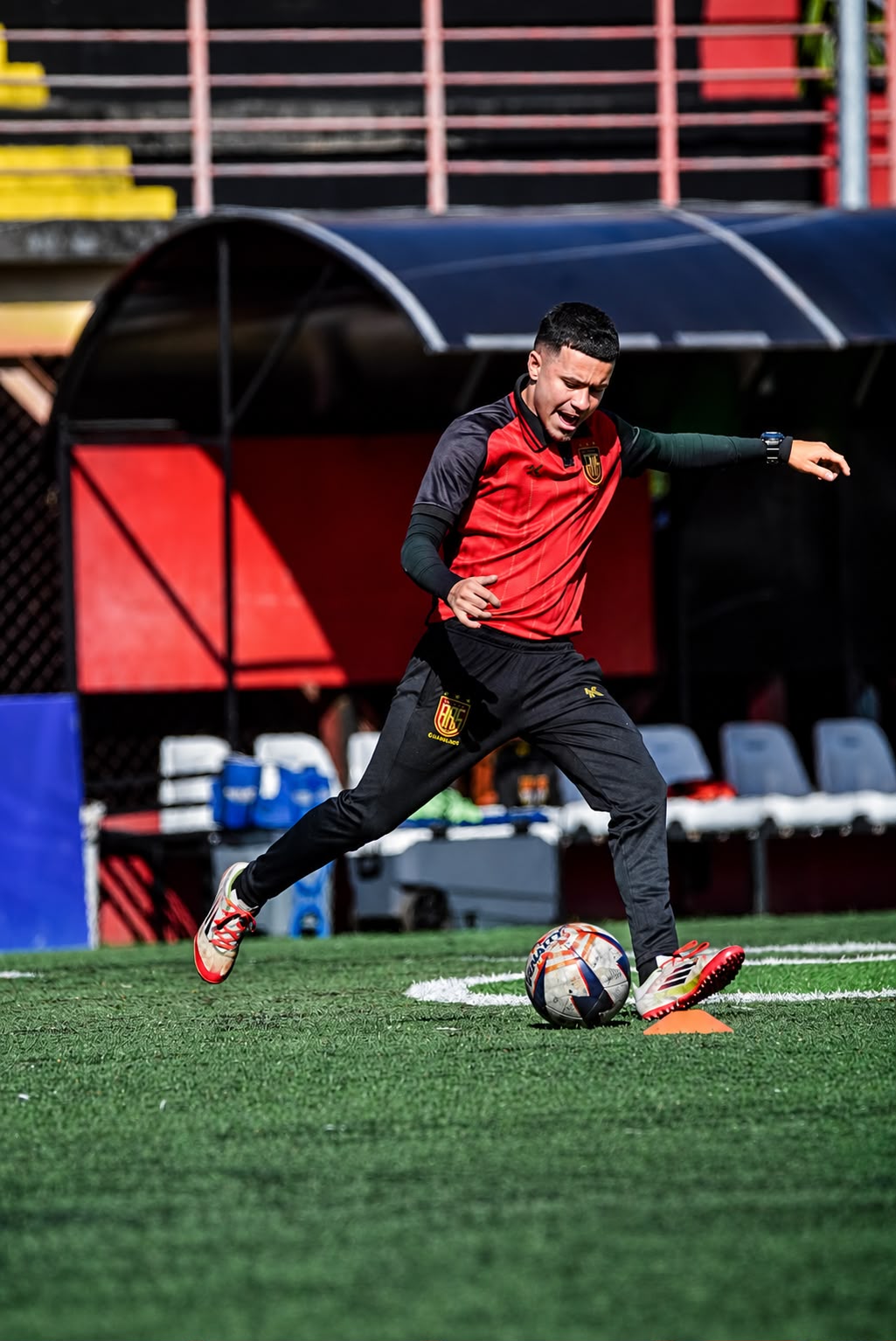

Lucas Nunes
Preparador físico
Flamengo de Guarulhos
Antes eu fazia praticamente tudo em planilhas, o que dava bastante trabalho para organizar e acompanhar a carga de treino de cada atleta. Hoje consigo visualizar tudo em um só lugar. O que mais fez diferença para mim foi a praticidade.
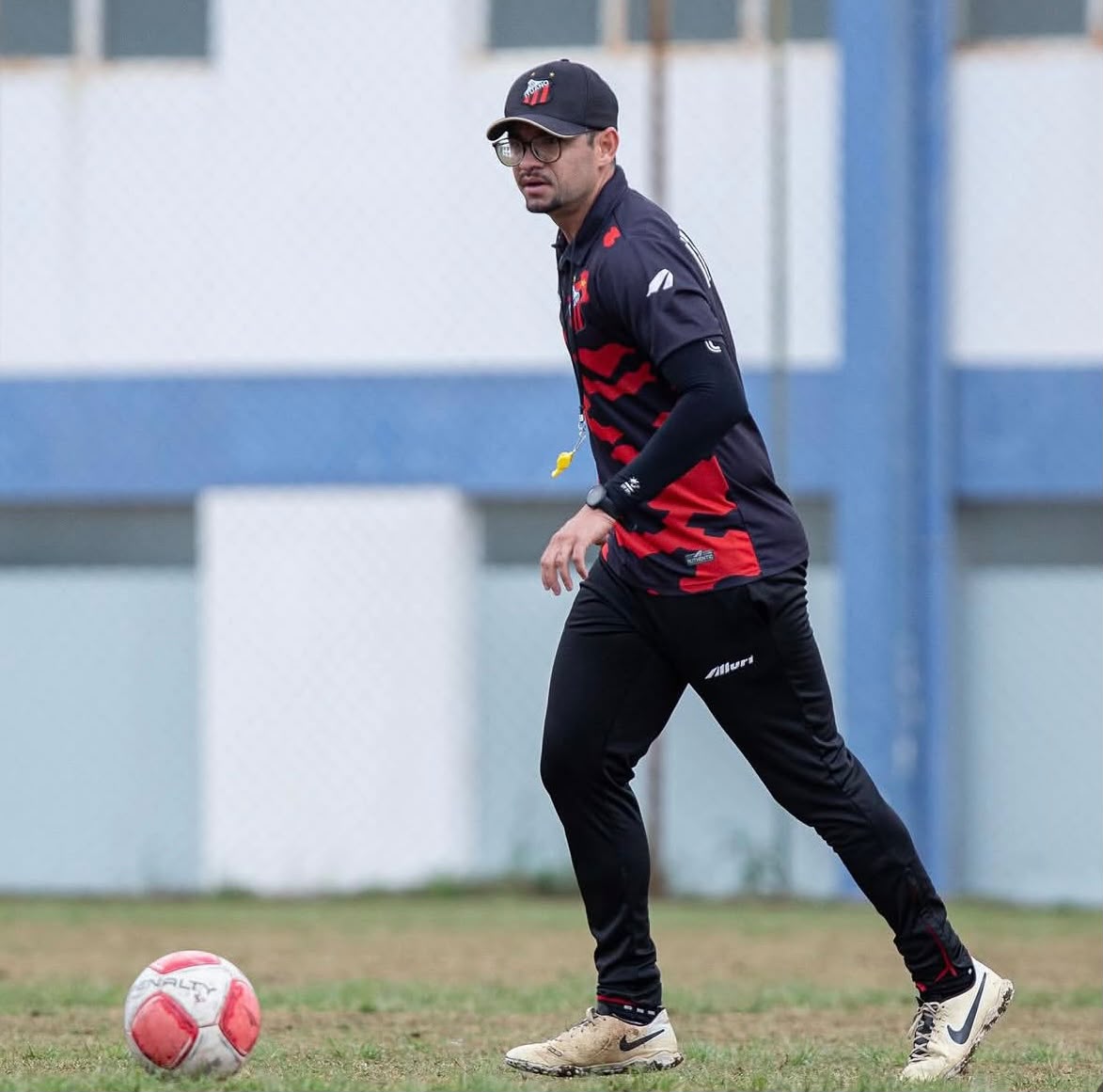

Sidinei Luan
Preparador físico · Sub-17
Ituano Futebol Clube
O LoadPro é um programa com ótimos recursos para o controle da carga dos atletas, facilitando o acompanhamento diário e trazendo mais praticidade para a rotina da preparação física.
Oferta de lançamento
Plano Treinadores Fundadores
A estrutura completa para o treinador organizar o microciclo, receber as respostas dos atletas e comunicar decisões claras ao staff.
Somente para os 25 primeiros coaches
Preço fundador protegido enquanto a assinatura permanecer ativa.
Veja na prática
Conheça o fluxo completo do LoadPro.
Acompanhe um tour guiado pela plataforma: do cadastro do clube e planejamento do microciclo às coletas dos atletas, monitoramento e reports.
FAQ
Perguntas frequentes
Para quem é o LoadPro?
Para preparadores físicos, S&C coaches, academias, clubes e treinadores que precisam organizar planejamento, RPE, carga e reports.
Posso gerenciar mais de um clube?
Sim. O app trabalha com contexto de clube e equipe para manter elencos, reports e planejamento separados.
O app calcula carga de treino?
Sim. A carga interna é calculada em AU usando RPE × duração em minutos.
O LoadPro prevê lesões?
Não. O LoadPro oferece monitoramento e flags de atenção para apoiar decisões do staff; ele não diagnostica nem substitui julgamento médico.
Funciona no celular?
Sim. A coleta dos atletas e as principais rotinas do treinador foram pensadas para uso no campo e no dia a dia.
Leve o planejamento e o monitoramento do seu clube para um só lugar.
Proteção da conta
Pagamento pendente
Não conseguimos confirmar sua última cobrança. Seus dados continuam preservados e o acesso ao workspace volta assim que o pagamento for aprovado.
- Plano atual
- LoadPro
- Valor do plano
- -
- Status
- Pagamento pendente
- Situação desde
- -
Os dados de pagamento são tratados somente no portal seguro da Stripe. O LoadPro nunca armazena o número do seu cartão.
Alerts today
Planned vs actual load
Weekly target against actual player response.
Squad status
Derived from recent load and wellness flags.
RPE / data completion
Track missing responses and incomplete session data.
Quick actions
Next best actions for the selected squad.
Staff workspace
Inbox
Daily monitoring alerts in one actionable queue.
Attention queue
Staff workspace
Medical department
Injured and return-to-play athletes with their latest staff record.
Register injury / RTP
The coach or authorized staff member records the injury information and dates.
Medical and RTP overview
Open a profile to update availability or add a staff injury record.
Football planning board
Calendar
Week
Weekly objective
Add the planning message you want the staff to see in the printout.
Exports the visible weekly or 30-day planning board.
Training protocol library
Sessions
Protocol library
Exercise database
Compact list generated from saved protocols. Use the protocol builder to add or edit exercises.
Session builder
Build protocol
Create reusable planning templates without writing actual RPE or athlete load data.
Administration
Configurações
Manage your profile, clubs, teams, rosters, branding, reports, and account preferences in one place.
Demo roster
Coach profile
Shown at the top of the app and as your report signature.
CO
All changes saved
Selected club
Teams and athletes created here belong to this club.
Archive removes a club from normal selection while preserving teams, players, calendar, and reports.
Create new club
Create a club, then add teams and athletes inside it.
Created clubs
Select a club to edit its logo, colors, teams, and reports.
Danger zone
Archive keeps the club history. Delete permanently removes the selected club from this workspace.
Create team
Add each squad you want to monitor.
Team directory
Archive teams to hide them from daily workflows without losing history.
Add athlete
Assign the athlete to a team and generate their collection link.
Roster and collection links
Only staff from this workspace can see reports; athletes only receive their own form link.
Staff e Acessos
Connect to Supabase and load real club data
Invitations and role changes require secure backend membership support. This version shows current access and avoids fake permission controls.
Edit selected club
Club branding is applied to that club's reports and team links.
LR
Idioma e Região
Language, timezone, week start
Lembrete por e-mail
Opcional. Você pode desativar aqui quando quiser. Esta escolha não altera sua assinatura nem os avisos necessários de cobrança e segurança.
Notificações
In-app alert preferences
Dados e Reports
Defaults for print and reports
Conta e Segurança
Login, password, account safety
Email-
RoleCoach
PasswordManaged by secure auth flow
Subscription status-
Access through-
Plano atual
-
-
Uso do teste gratuito-
Próxima cobrança-
Valor do plano-
Limites do plano-
Mensal · R$ 49,90 por mês
12 meses pelo preço de 10R$ 499/ano
Economize R$ 99,80 por ano
Pagamento anual à vista. Não é parcelamento.
Mesmos recursos do mensal: 2 equipes e 30 atletas por equipe.
Para trocar o cartão, use Gerenciar assinatura. Para encerrar antes da cobrança anual, use Cancelar assinatura abaixo.
Password changes use the secure authentication provider flow; the app never stores your password.
Use the secure Stripe portal to update your card or cancel. Access remains available until the end of the current period.
Danger zone
Reset workspace
Delete teams, athletes, submissions, and collection links for a clean first-use test.
Roster overview
Players overview
Today · last 7 days
Squad readiness table
Readiness, PSR, session RPE and training load for the selected date.
| Player | Team | Readiness | PSR | RPE today | AU today | Pain | Last response | Availability | Status | Actions |
|---|
Neuromuscular monitoring
Vertical jumps
Record jump height and follow each athlete against their own history.
Individual evolution
Squad jump overview
Peak, current-week best, and latest value for the selected squad.
Jump history
Recent values for the selected athlete. Comparison is only against the athlete's own results.
Monitoring only — this comparison is not a diagnosis and does not compare athletes.
Collection control
Collections
See today's responses, medical status, duplicates, links, and corrections in one place.
Daily collection status
Pre-training and post-training responses for every player in the selected squad.
Collection links
Copy or open the public links for the selected team.
LP
ClubTeam
Player link
Daily collection
0 submissions today
Today status
PDF for staff
Automatic reports
Customize report
Choose the sections included in the preview and PDF.